Take back your inbox with one-click unsubscribes
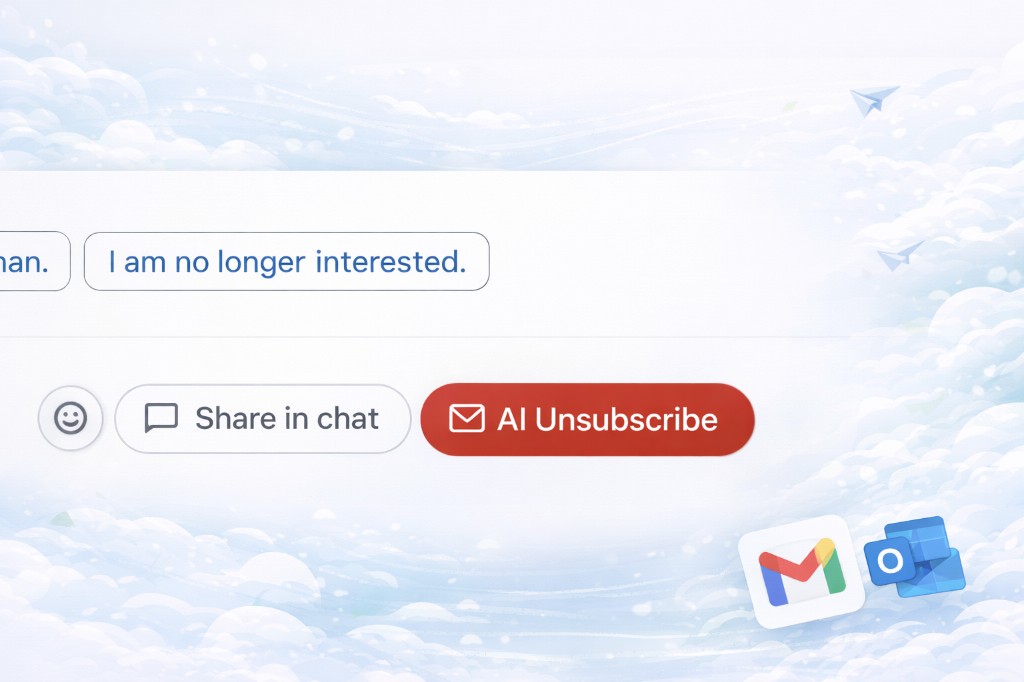
Stop drowning in newsletters and marketing emails. AI Unsubscribe lets you leave mailing lists in one click from Gmail, with a simple queue and clear success reports. Free for personal use.
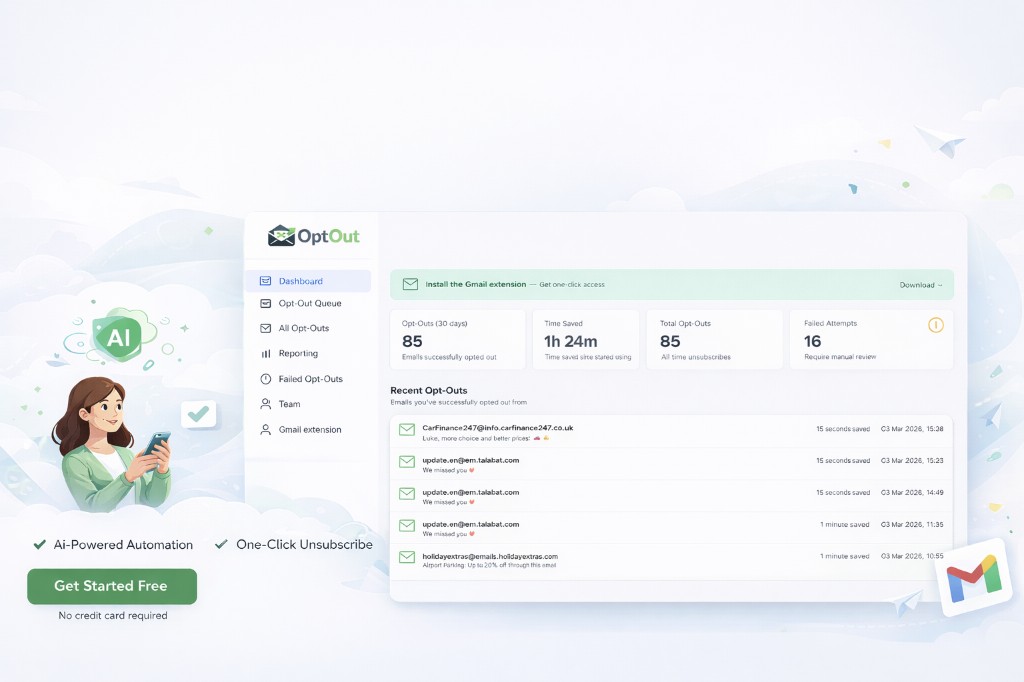
Your inbox is full of stuff you never signed up for
Marketing emails and newsletters pile up. Unsubscribe links are buried, different on every sender, and sometimes don't work. You waste time clearing clutter instead of reading what matters.
One place to unsubscribe from everything
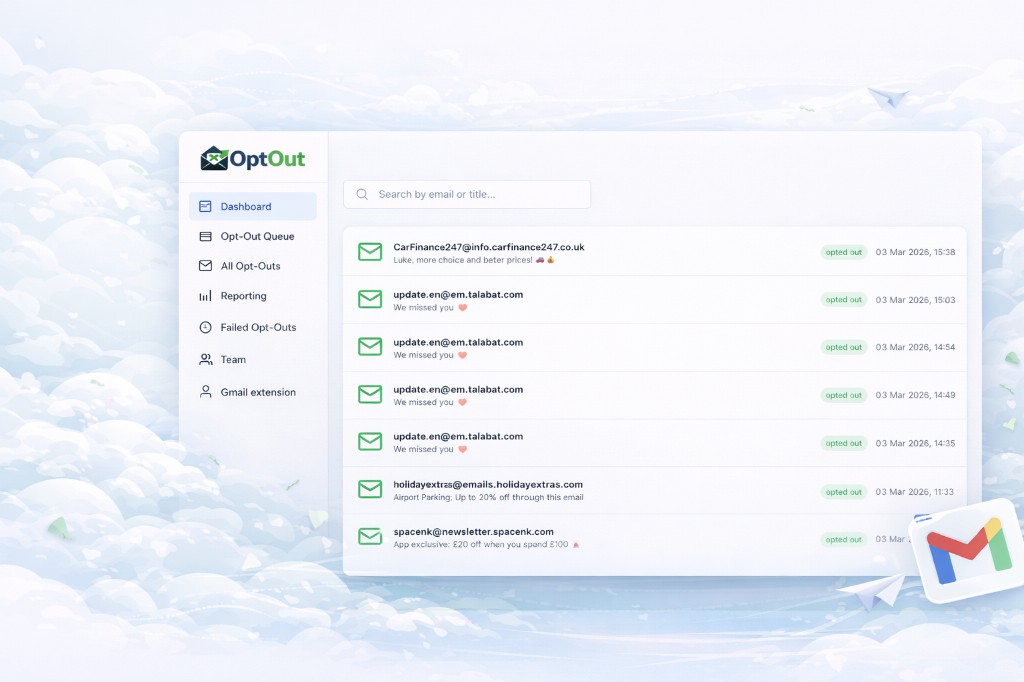
AI Unsubscribe works inside Gmail. Open the queue, see your senders, and unsubscribe with one click. Track successful and failed attempts, and get your inbox under control without switching tools.
Get started freeUse at no cost with Gmail or Outlook
£2 per user, no hidden fees
Unsubscribe without leaving your inbox
See what's done and what failed
What you can do with AI Unsubscribe
Clean your personal inbox
Use your Gmail or Outlook address and unsubscribe from hundreds of senders in minutes. Free forever for personal use.
Team inbox hygiene
Give your team one shared queue and clear reporting. £2 per user keeps costs predictable as you grow.
No more hunting for links
One click from the extension or portal. We find and use the right unsubscribe flow for each sender.
Works right inside Gmail
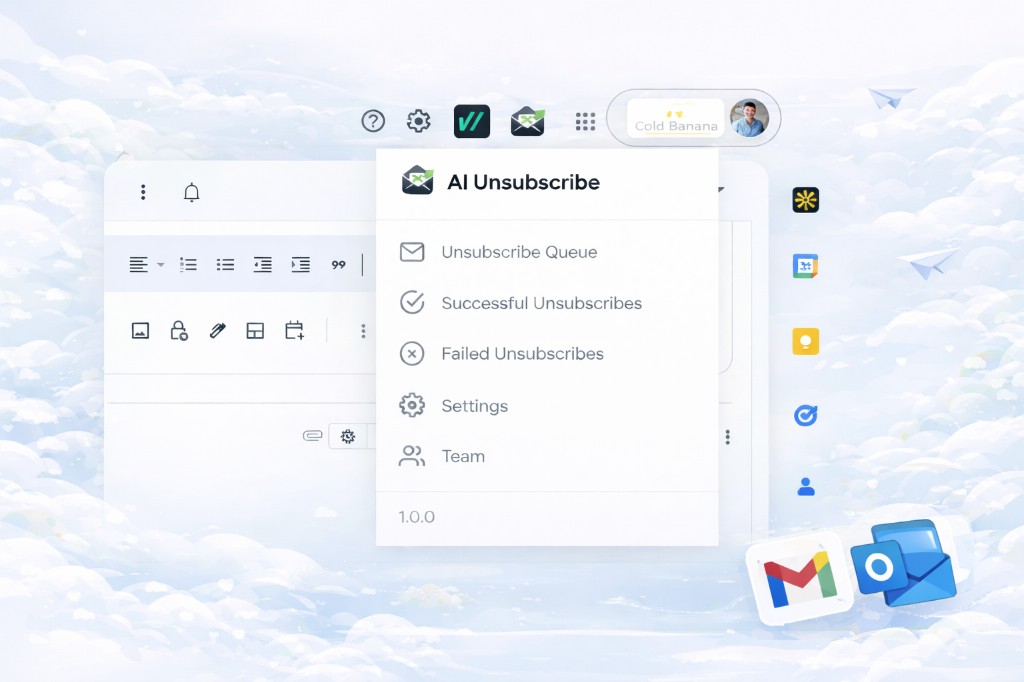
Install the AI Unsubscribe extension and get a one-click menu in your Gmail toolbar. Open your queue, jump to the portal, or visit Settings and Team—without leaving your inbox.
- Icon in the Gmail header—always one click away
- Dropdown with Queue, Success, Failed, Settings, Team
- Same account as Gmail—no extra sign-in
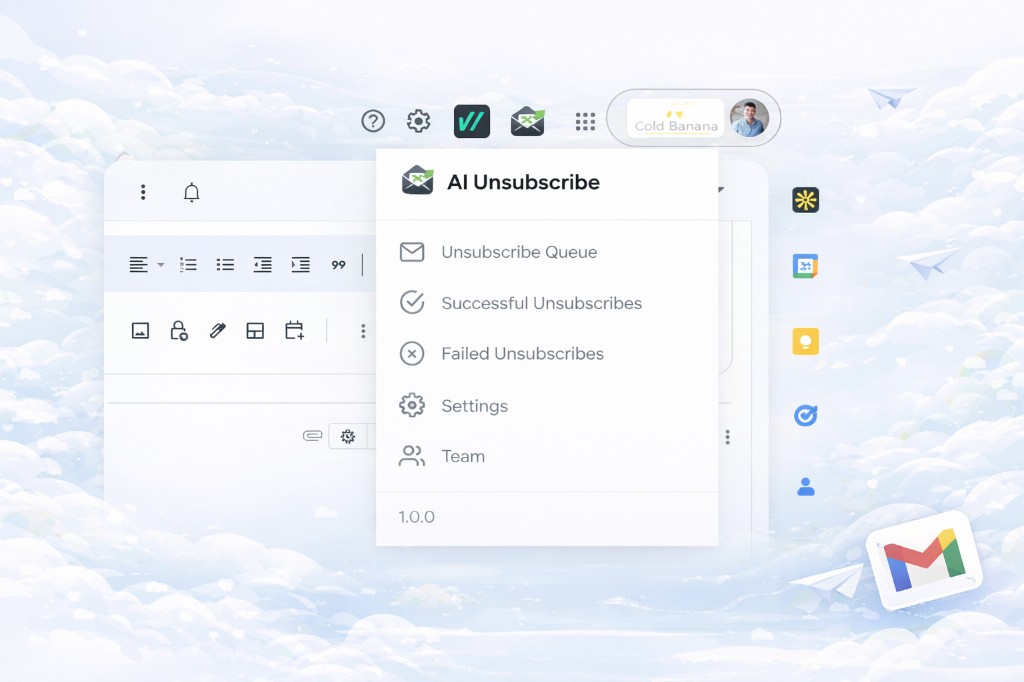
Open the queue and portal links from your Gmail toolbar.
The tools you'll use every day
Built for simplicity
One-click unsubscribe
Unsubscribe from any sender in the queue with a single action. No opening emails or searching for links.
Unsubscribe queue
See all detected senders in one list. Work through them in order or jump to the ones that matter most.
Success & failure tracking
Know what worked and what didn't. Retry failed unsubscribes or ignore senders that don't support it.
Gmail extension
Install the extension and access the queue from your Gmail toolbar. Same account, no extra logins.
Simple, transparent pricing
Personal
Free
For Gmail.com and Outlook.com addresses
- Unlimited unsubscribes
- Queue and reports
- Gmail extension
Team
£2 per user / month
For business and custom domains
- Everything in Personal
- Team dashboard
- Per-user billing
Your questions, answered
Who can use the free plan?
Anyone with a Gmail.com or Outlook.com email address. Sign up with that address and use the product at no cost for personal use.
How does the £2 per user plan work?
Business and custom-domain users pay £2 per user per month. Add or remove users as your team changes; you only pay for active users.
Do I need to install something?
For the best experience in Gmail, install our browser extension. You can also use the web portal alone to manage your queue and view reports.
Where do I log in or sign up?
Login and registration happen in the portal. Use the Login or Register links in the header, or click any "Get started free" button to create an account.
Ready to take back your inbox?
Create a free account and start unsubscribing in one click.
Get started free